What is an automatic video creator?
It is a program that makes the whole video for you. Instead of writing the script, recording the voice-over, hunting for footage and assembling everything in an editor, you type the topic in one line and artificial intelligence handles the rest: text, voice, captions, images and editing. Free Content goes beyond the usual auto video editor, because it also publishes the result to your social networks by itself.
Is Free Content free?
You get 7 free days when you install it, with no sign-up, no credit card and no watermark on the videos — the complete app, with no cap on how much you generate. After the trial, the plan costs R$ 47 per month. The artificial intelligence that generates the content is free and stays free after the trial.
Do I need to know how to edit video?
No. There is no timeline, no audio tracks and no keyframes to fiddle with. You type the topic, pick the format and hit generate. If you want to adjust something afterwards, you edit the text of a scene or flag a clip to be swapped, and the app redoes only that part — the voice-over and the rest of the video stay untouched.
Does it run online in the browser or install on the PC?
Free Content is a program you install on 64-bit Windows 10 or 11, with a small installer that downloads about 660 MB. There is also a beta version for Macs with Apple silicon. It runs on your computer rather than on a server: videos are rendered using your own machine, the files stay with you, and there is no processing queue and no monthly export limit like the online automatic video editors have.
Does it post to social networks by itself?
Yes. One button publishes to TikTok, Facebook, Instagram, YouTube, LinkedIn, X, Threads, Bluesky, Pinterest and Bilibili. You can also set up a niche automation: you define a base topic and the time slots, and at each slot the app generates brand-new content from scratch and posts it on its own, every day or every N days. You can also schedule a finished post, choosing the date, the time and which networks it goes to.
What kinds of video and post does it create?
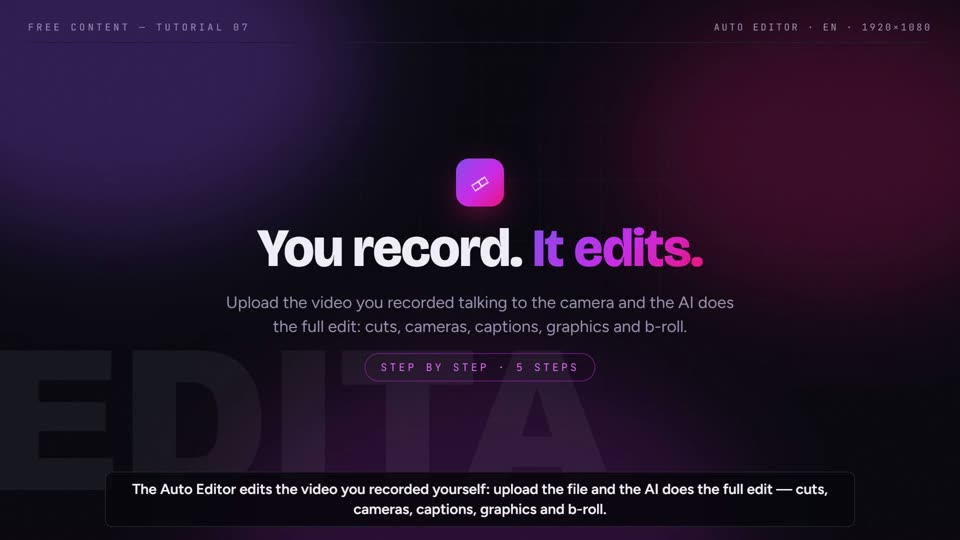
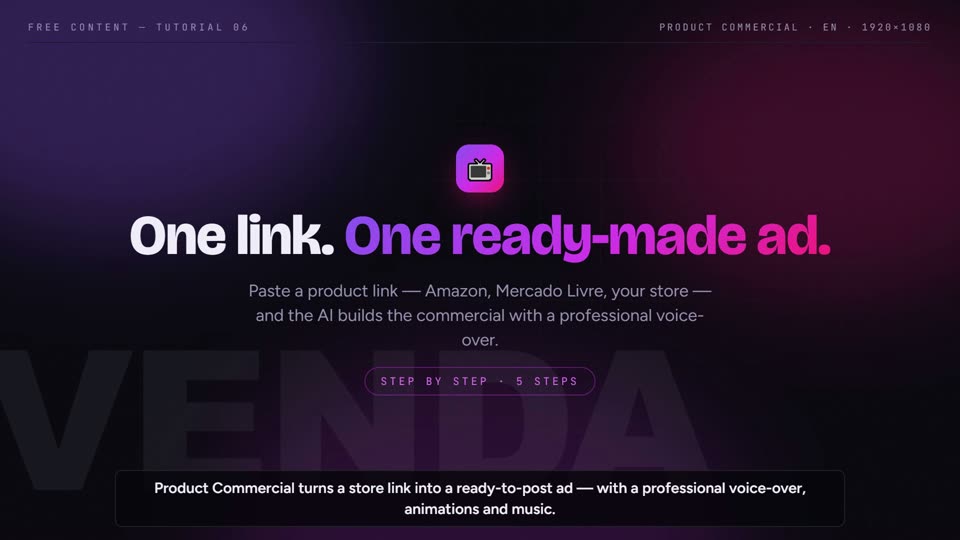
There are nine formats: Card (a ready-to-post image), Slideshow (an image sequence), Narrated slides (the same slides as a video with an AI voice), Internet-clip video (the most complete format, with script and voice-over), Clip Maker (a long video turned into short cuts), Product Commercial (from the product link to the ad), Auto Editor (the video you recorded talking to the camera, edited by AI: cuts, cameras, captions, graphics and b-roll) and Copy an idea (from the link of a YouTube or TikTok video that worked, a new video on the same topic in other words and with other clips). All of them come out vertical, square or widescreen. New: Original AI videos (a story in scenes with the same characters, Gemini images animated on your PC or with camera movement).
Do I have to pay for an AI API key?
No. Free Content generates text with your own free Google Gemini and NVIDIA NIM keys, and the app includes an illustrated guide showing where to get each key in a couple of minutes. For narration there are free voices that run on your own computer, narrating in English, Portuguese, Spanish, French and Italian (German uses the Gemini voice). You do not pay per generation, per video or per minute of narration.
Does it turn a long video into viral clips?
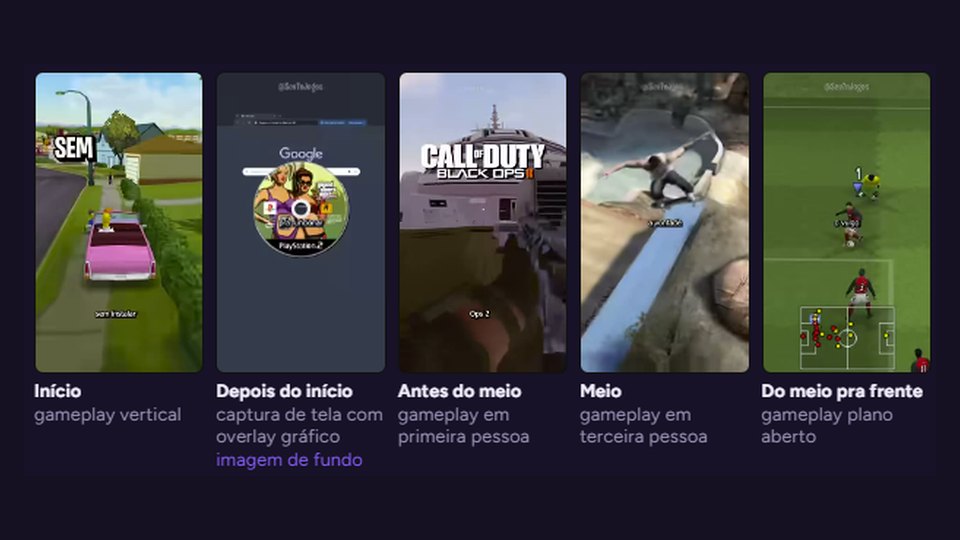
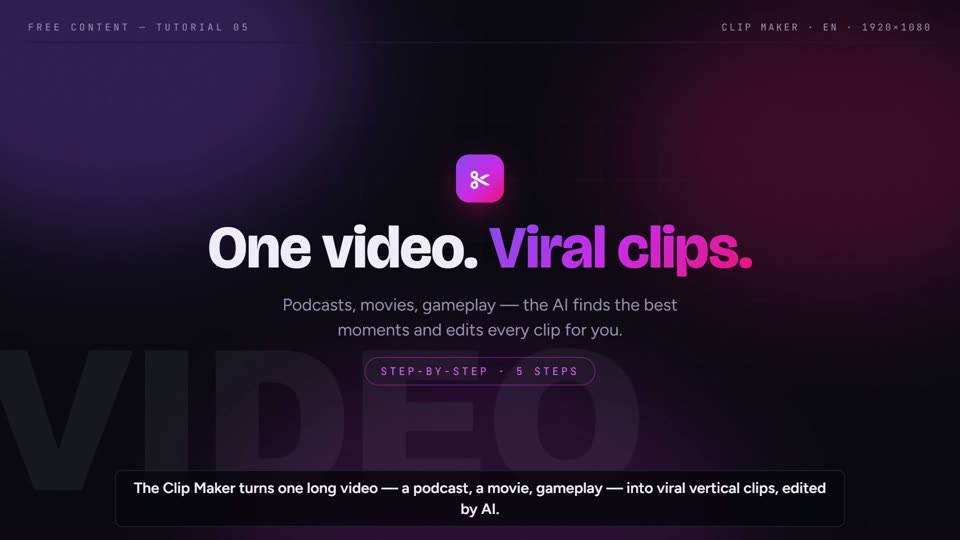
Yes, that is the Clip Maker. You point it at a podcast, film or gameplay on your PC, or just paste a YouTube link — it downloads only the stretch you mark. The app transcribes everything, picks the strongest moments on its own and delivers each cut with karaoke captions, a camera that follows faces, pause removal, a virality score, a title and hashtags. You can post them all at once or schedule the batch, say one clip a day.
Do the videos come out with a watermark?
Never — not even during the 7-day trial. The only things on the video are the ones you set up: your logo, your closing call to action and your colours.
What languages does it work in?
Content can be generated in English, Portuguese, Spanish, French, German or Italian, with the narration in the language you choose, and the app interface is available in all six.